
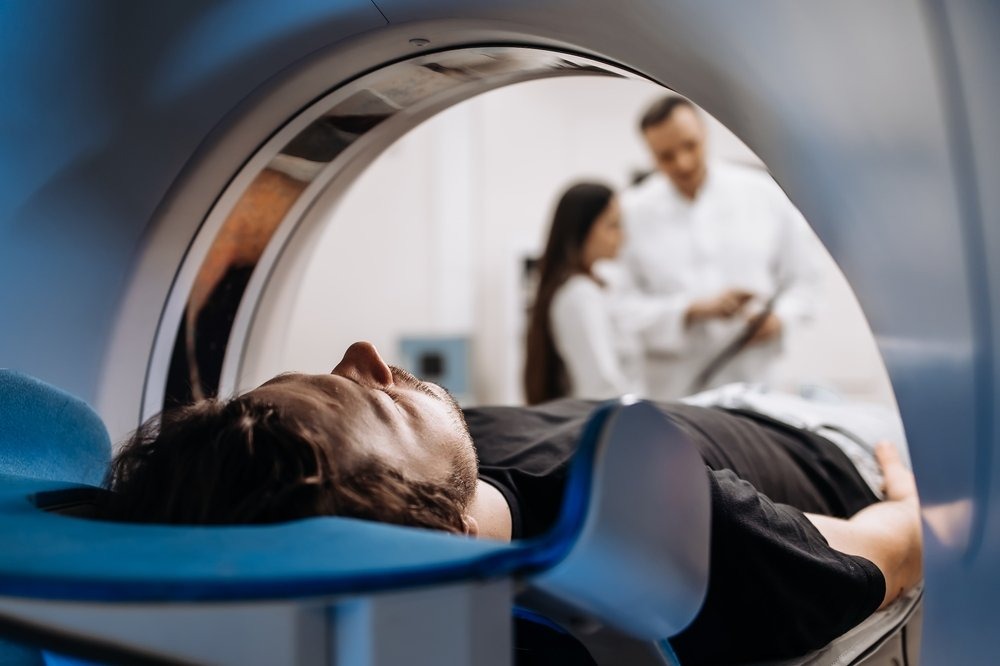
Your doctor has ordered an MRI, and now the questions start. What should you wear? Can you eat beforehand? How long will you spend inside the MRI scan machine? The good news is that preparing for an MRI is simple, and a little planning makes your appointment faster, more comfortable, and more accurate.
This guide walks you through everything, from the week before your scan to the moment you head home. Whether you are booking an MRI in Jersey City or travelling in from Hoboken, Bayonne, or Union City, you will know exactly what to expect.
What Is an MRI Scan?
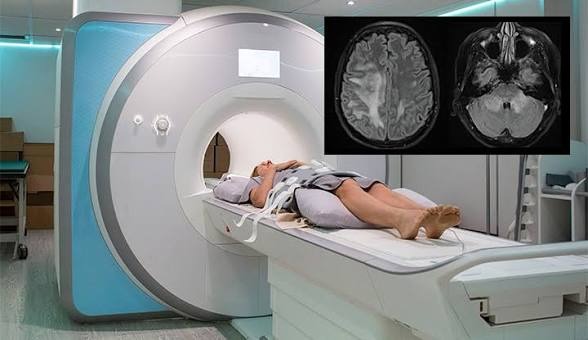
MRI stands for magnetic resonance imaging. The MRI scan’s meaning is simple: it is a painless test that uses a strong magnet and radio waves to create detailed pictures of your brain, spine, joints, muscles, and internal organs. Doctors order it to find the cause of pain, diagnose injuries, track a condition over time, or plan treatment.
Unlike X-rays and CT scans, an MRI uses no ionizing radiation. That is one reason doctors often choose it for soft tissue such as ligaments, discs, and nerves. If you are comparing tests, our overview of radiology services in Jersey City explains when MRI, CT, and X-ray each make the most sense.
What Does an MRI Scan Machine Look Like?
The MRI scan machine is a large, tube-shaped magnet that is open at both ends. You lie on a padded table that slides into the opening. Many people expect a cramped space, but the tube is wider than it looks and well lit, and a fan keeps air moving.
A few things surprise first-time patients:
- It is loud. The machine makes rhythmic knocking and buzzing sounds while it captures images. You will receive earplugs or headphones.
- A coil sits on you. A lightweight, padded frame called a coil is placed around the area being scanned. It picks up the signal that becomes your images.
- You can talk to the team. An intercom lets you speak with the technologist at any time, and you will usually hold a call button.
- Only part of you goes in. For a knee MRI, your head often stays outside the tube.
One to Two Weeks Before Your MRI
Good preparation starts before the day of your appointment.
- Confirm your order. Check your referral for the body part and whether it says “with contrast,” “without contrast,” or both. Our guide to MRI with or without contrast explains the difference.
- Check insurance and authorization. Many plans require prior authorization for MRI. Review our insurance and payment page, or see pricing and self-pay options if you are paying out of pocket.
- Gather your records. Bring your referral, photo ID, insurance card, a list of medications, and any earlier scans of the same area. Comparison images help the radiologist spot changes.
- Plan for anxiety. If enclosed spaces make you nervous, tell your doctor now. Some patients are offered a mild anti-anxiety medication, which must be arranged before the appointment.
Tell Us About Metal, Implants, and Your Medical History
The MRI magnet is extremely strong, so safety screening is the most important part of preparation. Tell your doctor and the imaging team if you have:
- A pacemaker, defibrillator, or nerve stimulator
- A cochlear implant or aneurysm clip
- An insulin pump or other implanted device
- Metal fragments from an injury or a past job, such as welding
- Joint replacements, plates, screws, or stents
- Tattoos or permanent makeup, since some inks contain metal
- Pregnancy, or the possibility of pregnancy
- Kidney disease or diabetes, especially if contrast dye may be used
Never assume a device is safe or unsafe on your own. Many implants are fine for MRI, but the team needs the make and model to confirm.
The Day of Your MRI: Eating, Drinking, and Medications
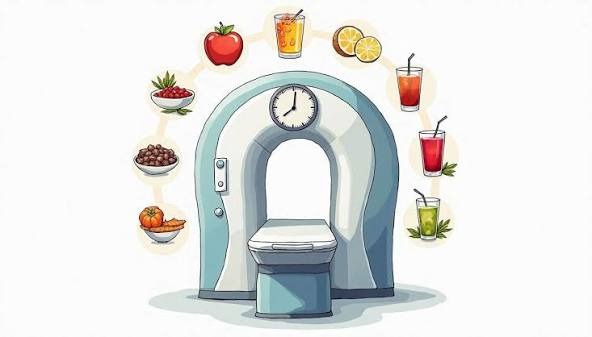
For most scans without contrast, you can eat, drink, and take your regular medications as usual. Some scans, such as abdominal or pelvic MRIs, and some contrast studies may need a few hours of fasting. Follow the instructions your imaging center gives you when you book, and ask if you are unsure.
Arrive about 15 minutes early so you can complete paperwork and safety screening without feeling rushed. Staying hydrated before your appointment also makes it easier to place an IV if contrast is ordered.
What to Wear to an MRI
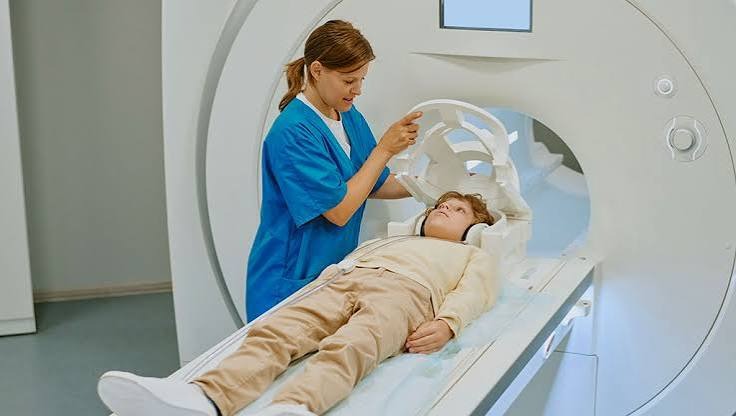
Comfort and a metal-free outfit are the goals.
- Wear: loose clothing without zippers, snaps, or metal threads, such as sweatpants and a cotton t-shirt. Many centers also provide a gown.
- Avoid: underwire bras, belts, and clothing with metallic fibers or athletic fabrics containing silver.
- Leave at home: jewelry, watches, hairpins, keys, wallets, phones, and credit cards. The magnet can damage cards and electronics.
- Remove before scanning: hearing aids, dentures, removable dental work, and glasses.
- Skip: makeup that contains metallic particles, such as glitter or some mascaras.
How Long Does an MRI Scan Take? MRI Scan Time by Body Part
MRI scan time depends on the area being studied and whether contrast dye is used. Most scans take between 15 and 60 minutes. These are typical ranges, and your center will confirm yours:
| Scan | Typical scan time |
| Knee, ankle, wrist | 20 to 30 minutes |
| Shoulder or hip | 30 to 45 minutes |
| Brain | 30 to 45 minutes |
| Lumbar or cervical spine | 30 to 45 minutes |
| Abdomen or pelvis | 45 to 60 minutes |
| Any scan with contrast | Add 15 to 30 minutes. |
Plan for a total visit of about 60 to 90 minutes once you include check-in, screening, and changing. Movement can blur images and force a repeat sequence, so staying still is the best way to keep your appointment on schedule.
What Happens During Your MRI, Step by Step
- Check-in and screening. You complete a safety questionnaire and review it with a technologist.
- Changing. You change into a gown if needed and store your belongings in a locker.
- Positioning. The technologist helps you lie comfortably on the table, adds pillows or cushions for support, and places the coil.
- Hearing protection. You receive earplugs or headphones.
- Scanning. The table slides into the magnet. You will hear a series of knocking sounds, each lasting from a few seconds to several minutes. Some scans ask you to hold your breath briefly.
- Contrast, if ordered. A small IV is placed in your arm, and the dye is given partway through the scan.
- Finishing. The team checks your images and removes the IV if used, and you are free to leave.
Tips for Staying Calm and Still During an MRI
- Close your eyes before you slide in, and keep them closed. Many people find this the single most helpful trick.
- Breathe slowly: in through your nose for four counts, out through your mouth for six.
- Ask about music or headphones, and use your call button whenever you need to.
- Focus on a simple mental task, such as counting your breaths or planning your week.
- If you receive a sedative, arrange a ride home, since you should not drive afterward.
Getting Your Results After an MRI
You can return to normal activities right away unless you are sedated. A radiologist reviews your images and sends a written report to your referring doctor. At Jersey City Imaging Center, reports are typically ready in 2 to 3 business days. Your doctor will then explain what the findings mean and what comes next. Please avoid reading too much into the wait, because a radiologist needs time to compare images carefully.
Finding an MRI Scan Diagnostic Center Near You
When you search for an MRI scan diagnostic center near me, look past the first result. A good imaging center should offer:
- Board-certified radiologists who read your scan
- Modern equipment and a clear explanation of your protocol
- Transparent pricing and help with insurance
- Quick scheduling that fits your doctor’s timeline
- Staff who answer questions before you arrive
Whether your referral came from a private physician or from a hospital such as Jersey City Medical Center, you can choose an outpatient imaging center for your scan, and that choice often means faster appointments and simpler pricing. Jersey City Imaging Center offers MRI, including spine and back MRI, along with CT, ultrasound, X-ray, and DEXA at 2300 John F. Kennedy Boulevard. Our location serves patients across Journal Square, Downtown Jersey City, Greenville, and Bergen-Lafayette, and many people visiting for an MRI in Hoboken, Bayonne, or Union City find the trip straightforward.
Need an urgent MRI in Jersey City? Tell our team your referral is time-sensitive when you call, and we will work to find the earliest available appointment. Walk-ins are welcome, and you can schedule an MRI in Jersey City online in minutes.
Book Your MRI at Jersey City Imaging Center
Preparing for your scan does not have to be stressful. With the right clothing, a clear medical history, and a few calming habits, you are ready. If you have questions about your appointment, our team is happy to help before you arrive.
Call (551) 353-9911 or book online. You can also explore our CT scan preparation guide if your doctor ordered more than one test or contact us with questions.
MRI Preparation FAQs
Can I eat before an MRI?
For most MRI scans without contrast, yes. Abdominal, pelvic, and some contrast scans may require a few hours of fasting, so follow your center’s instructions.
Is an MRI painful or dangerous?
No. The scan itself is painless, and MRI uses no ionizing radiation. The main risk comes from metal, which is why screening matters.
Is MRI safe during pregnancy?
MRI without contrast is generally considered safe when medically necessary, but gadolinium contrast is usually avoided. Always tell your team if you may be pregnant.
Can someone stay with me?
Policies vary by center, and anyone entering the scan room must also be screened for metal. Ask when you book.
- Image alt text ideas: “MRI scan machine at Jersey City Imaging Center”; “Patient preparing for an MRI scan in Jersey City.”
- Schema: add FAQPage markup for the four FAQs, and link this post from your “MRI With or Without Contrast” article.
Medical Disclaimer
The information provided in this article is for educational and informational purposes only. It is not intended to replace professional medical advice, diagnosis, or treatment. Always consult your physician or another qualified healthcare provider regarding your health concerns. If you are experiencing a medical emergency, call 911 or visit your nearest emergency department immediately.
Need Diagnostic Imaging?
Schedule your MRI, CT Scan, X-Ray, Ultrasound, or other diagnostic imaging services with Jersey City Imaging Center. Our experienced team provides advanced technology, fast appointments, and compassionate care.

